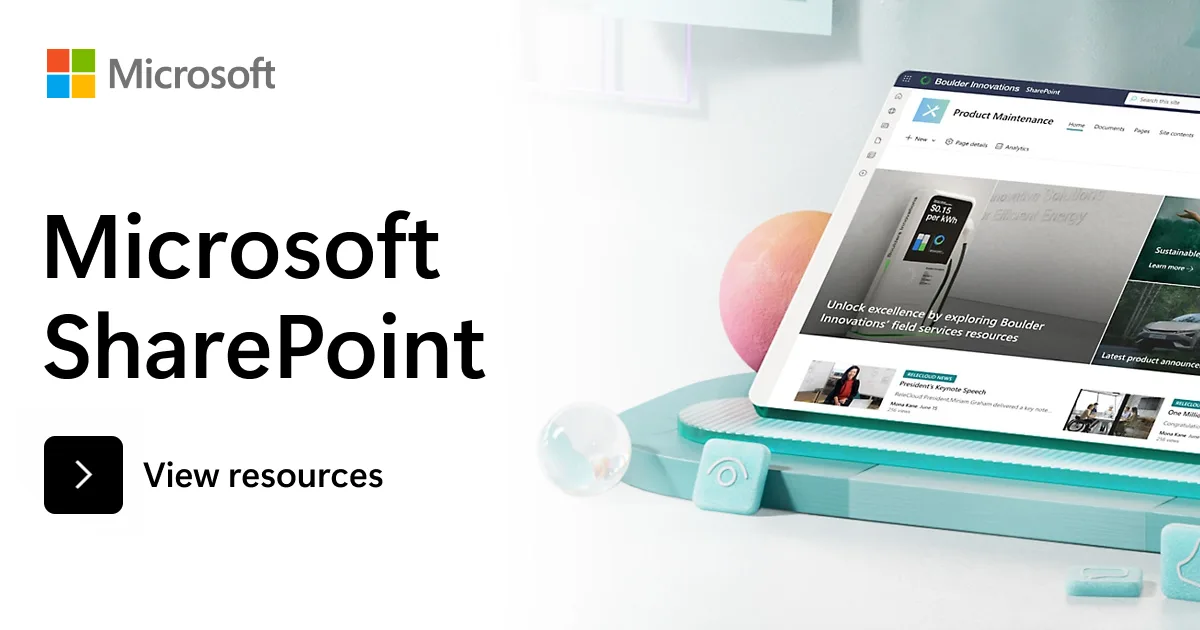
Start using Copilot in SharePoint
Watch short demos to see how Copilot in SharePoint helps you organize content, turn ideas into execution, and apply your team’s approach consistently across every task.
 Microsoft Adoption
Copilot in SharePoint helps you do more with your content. Ask questions, run workflows, and create SharePoint sites, pages, interactive reports, and Office files using natural language. Now generally available for users with a Microsoft Copilot license.
Read about what's newResources
Learn what Copilot in SharePoint can do, who it’s for, and how to start using it with a Microsoft 365 Copilot license.
Learn moreLearn how to get started quickly with ready to use prompts and guidance to create sites and pages, organize libraries and lists, and keep content up to date.
Download guideTurn your team’s processes into reusable AI skills. Learn how to create, share, and apply skills across your sites so work stays consistent, scalable, and easy to repeat.
Learn moreWatch short demos to see how Copilot in SharePoint helps you organize content, turn ideas into execution, and apply your team’s approach consistently across every task.
Custom AI skills are reusable instructions that tell Copilot how to complete tasks—like structuring content, applying standards, or setting up repeatable workflows. Explore the resources below to learn how to create, use, and share skills in your organization.
Access official documentation, step-by-step guidance, and support resources to learn how Copilot works and get started quickly.
Bring your real world business challenges to Microsoft and work directly with our team to implement solutions using Copilot in SharePoint.
If your organization is selected, Microsoft Engineering will partner 1:1 with you to design, implement and deploy a Copilot in SharePoint solution in production. Whether you’re looking to streamline knowledge management, automate business processes or create custom skills we will help you get from concept to deployment. For free.